Click  on the toolbar.
Click on the toolbar.
The Register displays.
The Find Guest window displays.
Type the guest's last name or room number in the Guest Last Name/Room # field and press Enter.
The guest's details display.
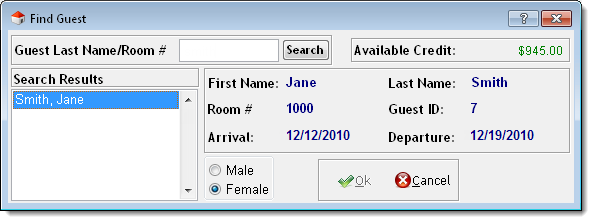
Tip: If there is more than one guest with the same last name, select the correct guest in the Search Results list.
Click Ok.
The guest's details transfer to the Register.
The Refunds window displays.
The Change Due window displays.
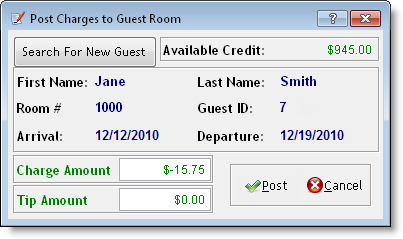
The Post Charges to Guest Room window displays with the refund amount shown in the Charge Amount field.