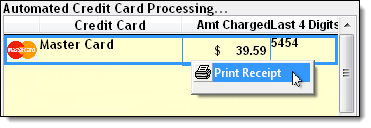
The following guide explains how to reprint the itemized receipt for a transaction.
-
Click
 on the toolbar.
The Register displays.
- Click the Transaction Listing tab.
- Select filters to locate the transaction.
- Click Show.
A list of matching transactions displays.
- Complete the following as necessary:
-
Reprint the transaction receipt = Select the transaction and click Receipt.
-
Reprint the transaction invoice = Select the transaction and click Invoice.