Click  on the toolbar.
The following guide explains how to check in a client for their appointment by scanning their fingerprint.
Click on the toolbar.
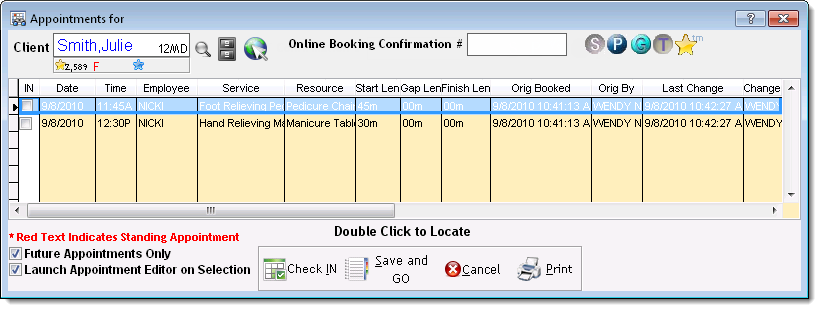
The Appointments for window displays.
Tell the client to place their finger on the biometric reader.
The client's scheduled appointments display.