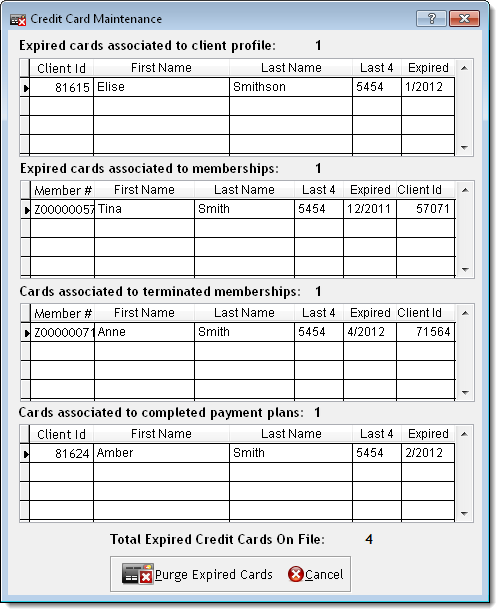
The Purge Expired Credit Cards feature removes cardholder data for expired credit cards, credit cards associated with terminated memberships, and credit cards associated with completed payment plans. This allows you to remove cardholder data that is no longer necessary to your business and limits the risk of a security breach.
Select Data > Business Information and Preferences.
The Business Information window displays.
Click Edit, click the Preferences tab, and click the Credit Card/EFT tab.
Click Purge Expired Credit Cards.
The Credit Card Maintenance window displays with the unnecessary cardholder data currently on file.
Click Purge Expired Cards.
Click Yes.
Click OK.
Click Save.