Updates
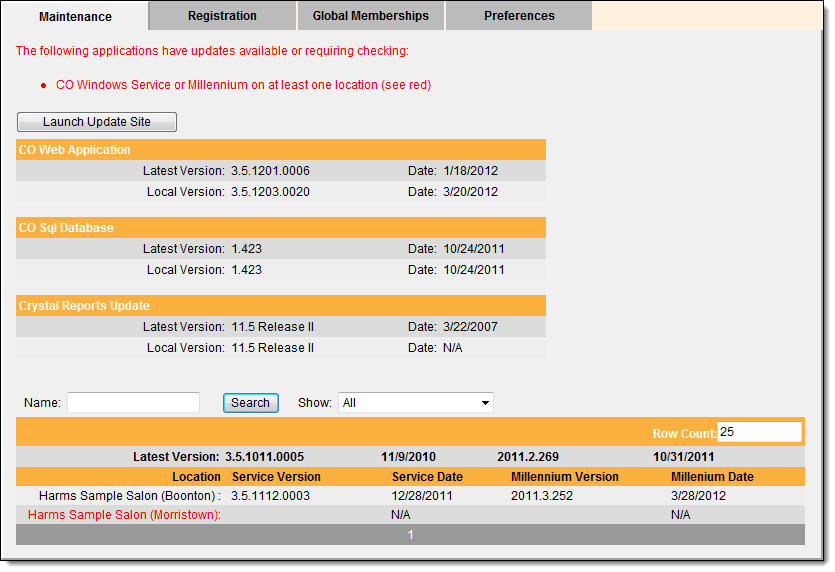
To prevent errors and keep Central Office running smoothly, you need to download and install the latest Central Office updates. The CO Maintenance page allows you to check for Central Office updates. If an update is available, you can download the latest update from the My Millennium Community web site.
Important: You must deploy updates outside of normal business hours when you have all instances of Central Office and Millennium closed.


Preferences
Data Editor
The Data Editor allows you to correct instances where duplicate records have different Global IDs.
Example: If you add a client profile at Location A and add a duplicate profile for the same client at Location B, the profiles will have different Local and Global IDs. To correct this situation, you need to merge the two profiles into a single profile that you can use when the client visits any location.
The Data Editor also allows you to correct instances where unrelated records have the same Global ID.
Example: A massage and manicure service that have the same Global ID.
Locations
Regions
Assigning locations to regions allows you to run reports for specific regions and restrict users to viewing the data from their region.